Utility Interconnection Steps Before Any Roof Work Starts
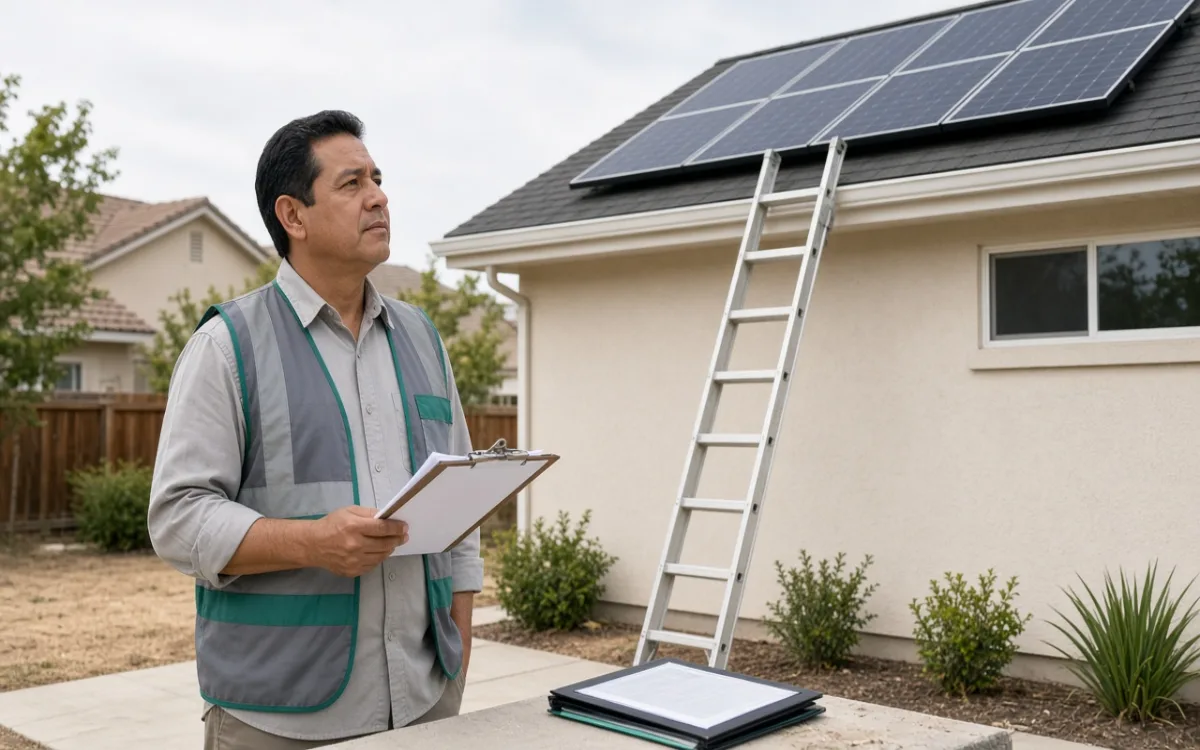
The building permit email arrived with a green checkmark and a PDF stamp. The installer called the same afternoon to lock a roof date. Then the project manager paused: the utility portal still showed the interconnection request as pending review, with no queue reference assigned. City hall had said yes. The grid operator had not yet opened the file.
Two Desks, Two Queues
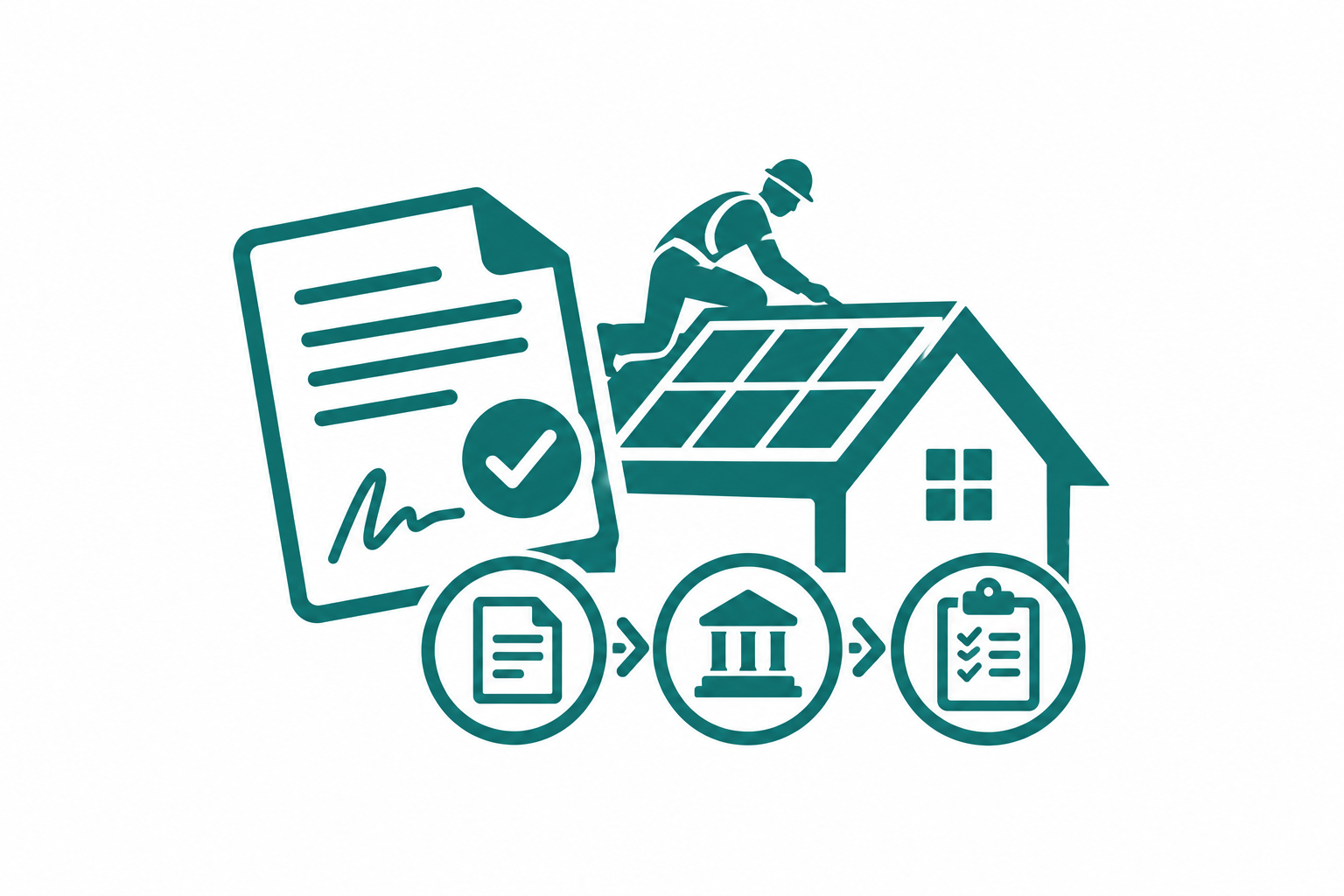
A building permit authorizes construction on your property under local code. Utility interconnection authorizes your system to exchange power with the grid under the operator's safety and metering rules. Those are separate decisions made by separate organizations with separate reference numbers. Treating the city stamp as universal permission is the most common reason homeowners believe they are ready for roof day when the utility file is still empty.
Some territories run parallel reviews; others want the building permit number entered on the interconnection form before they assign a queue ID. The sequence is not universal, but the separation is. You need visibility into both statuses, not just the one that sends the celebratory email first.
What the Interconnection Packet Actually Contains
Forms differ by utility, yet the same data blocks appear on nearly every application. When a packet is incomplete, the utility often returns it without a queue number — which looks like silence from the homeowner's perspective:
- Account holder name and service address matching the meter on record
- Proposed system size in kilowatts AC and module count DC
- Inverter manufacturer and model with UL listing reference
- One-line diagram showing point of interconnection at the main panel or meter
- Building permit number or proof that a permit application is in review
- Contractor license and contact when a third party submits on your behalf
- Signature line for the account holder when the applicant is not the homeowner
Who Presses Submit — and Why It Matters
Licensed installers often file interconnection requests because they already hold the equipment specs and diagram. Some utilities allow homeowner submission through an online portal; others reject applications not tied to an active contractor account. Neither path is better by default, but the named submitter receives correction notices. If your installer filed the packet, the utility email goes to their office, not your inbox. Homeowners who never see those threads assume the utility is silent when the file is actually stuck on a missing diagram revision.
Ask where status updates land and who is responsible for uploading corrected pages. Ambiguity here produces weeks of drift nobody notices until the crew coordinator calls.
A pending status without a queue reference usually means the packet never entered review. It is not a slow queue — it is an incomplete submission sitting in intake.
Reading Status Language Before You Book Roof Access
Portal labels vary, but the progression follows a recognizable pattern. Use this as a conversation guide with your project manager, not as a fixed match to utility wording:
- Draft or incomplete — missing fields or attachments; no reviewer assigned
- Submitted or received — intake logged; watch for a reference number to appear
- Under engineering review — queue is active; corrections may arrive by email
- Conditional approval — install may proceed under listed constraints, if your utility allows
- Approved for interconnection — letter or PDF suitable for the permit folder on install day
Conditional approval is where many projects stall. Some utilities permit roof work at that stage; others require full approval before any equipment ships. The difference is policy, not patience — and your contract should name which milestone governs material delivery, not assume the city stamp covers both.
Why Waiting on Roof Work Is Sometimes the Cheaper Choice
Starting roof work without utility clearance can mean storing panels in your garage, paying standby crew fees, or remounting after a diagram change the utility requested mid-review. None of that appears on the interconnection form, but it appears on homeowner stress logs. Holding the roof date until the approval letter — or explicit written conditional permission — matches the folder saves a different kind of cost: the cost of a half-finished job waiting on a desk you never monitored.